Highlights
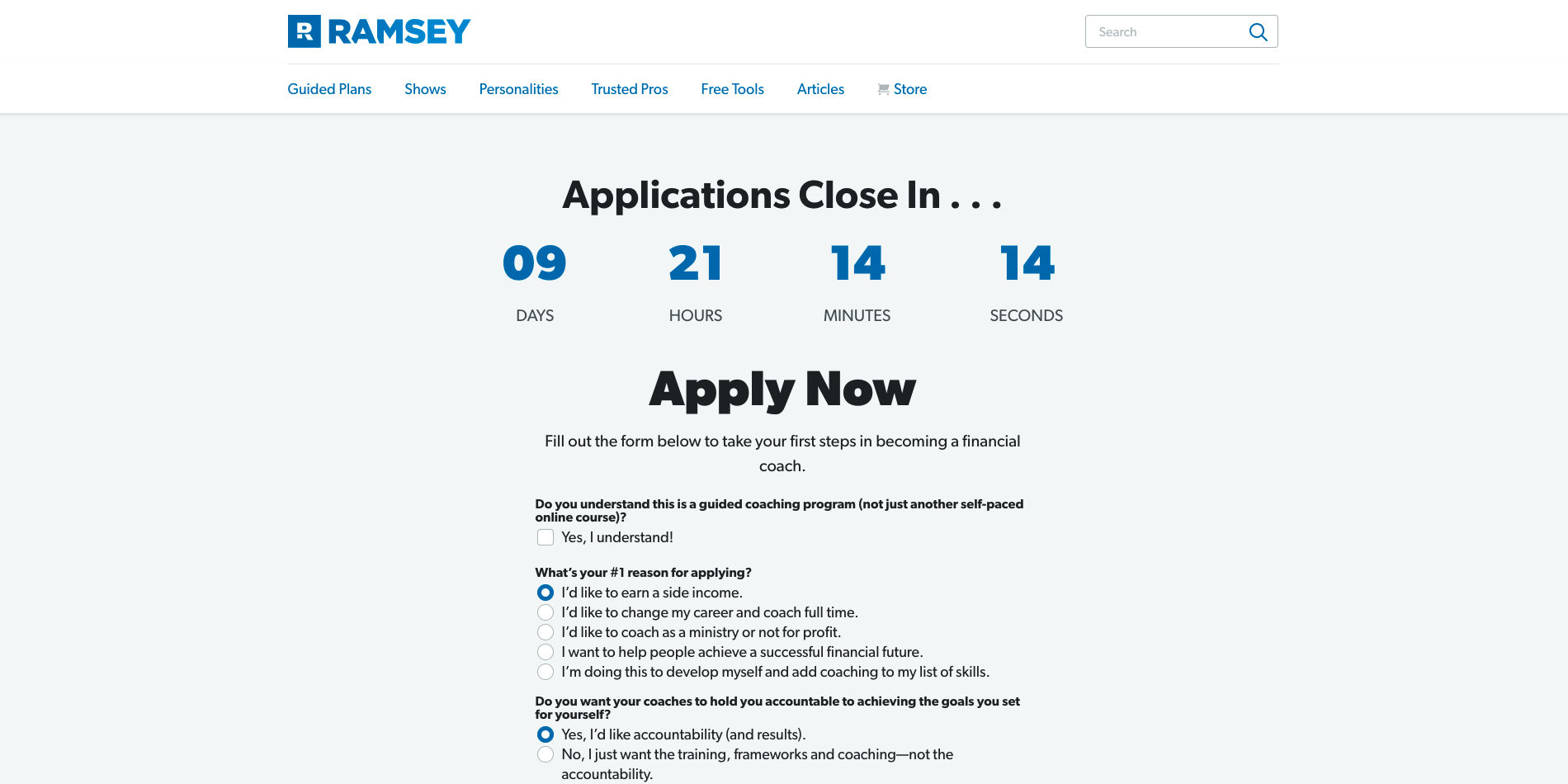
Countdown Timer Component
To promote urgency and scarcity in our marketing, I developed a countdown timer component that the marketers could use in our landing pages. This ticks down every second towards a set date and time, with an option to redirect all traffic away from the page it was on once the countdown ended.
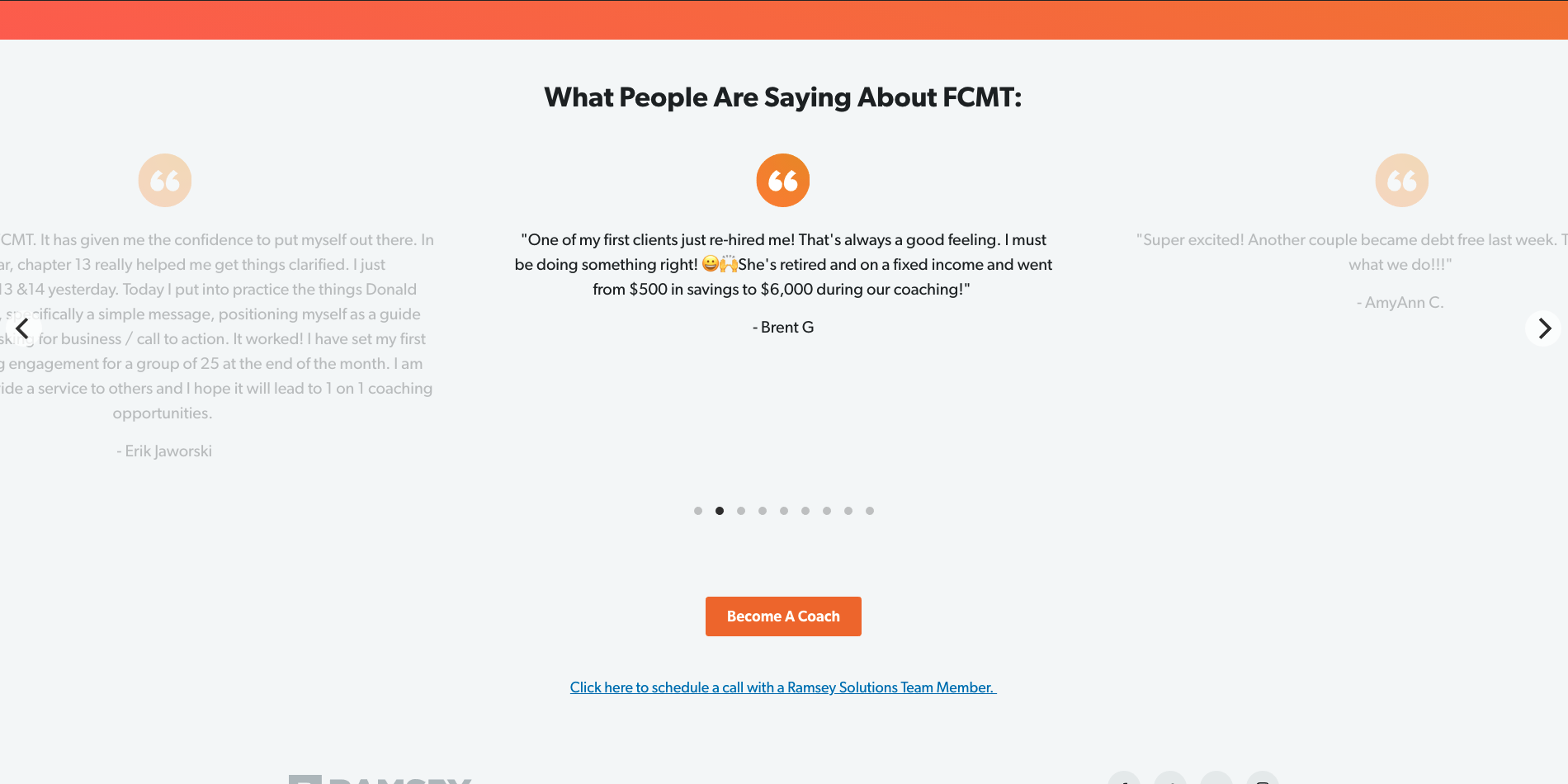
Carousel Component
For our team’s landing pages, we needed some way to showcase a list of items succinctly, like a group of testimonials or a list of features. After evaluating some possible solutions, we decided to work on creating a carousel component for the marketers to use in the CMS. Users can scroll through “slides” that wrap back around the edge of the screen, keeping space minimized to a single horizontal slice.
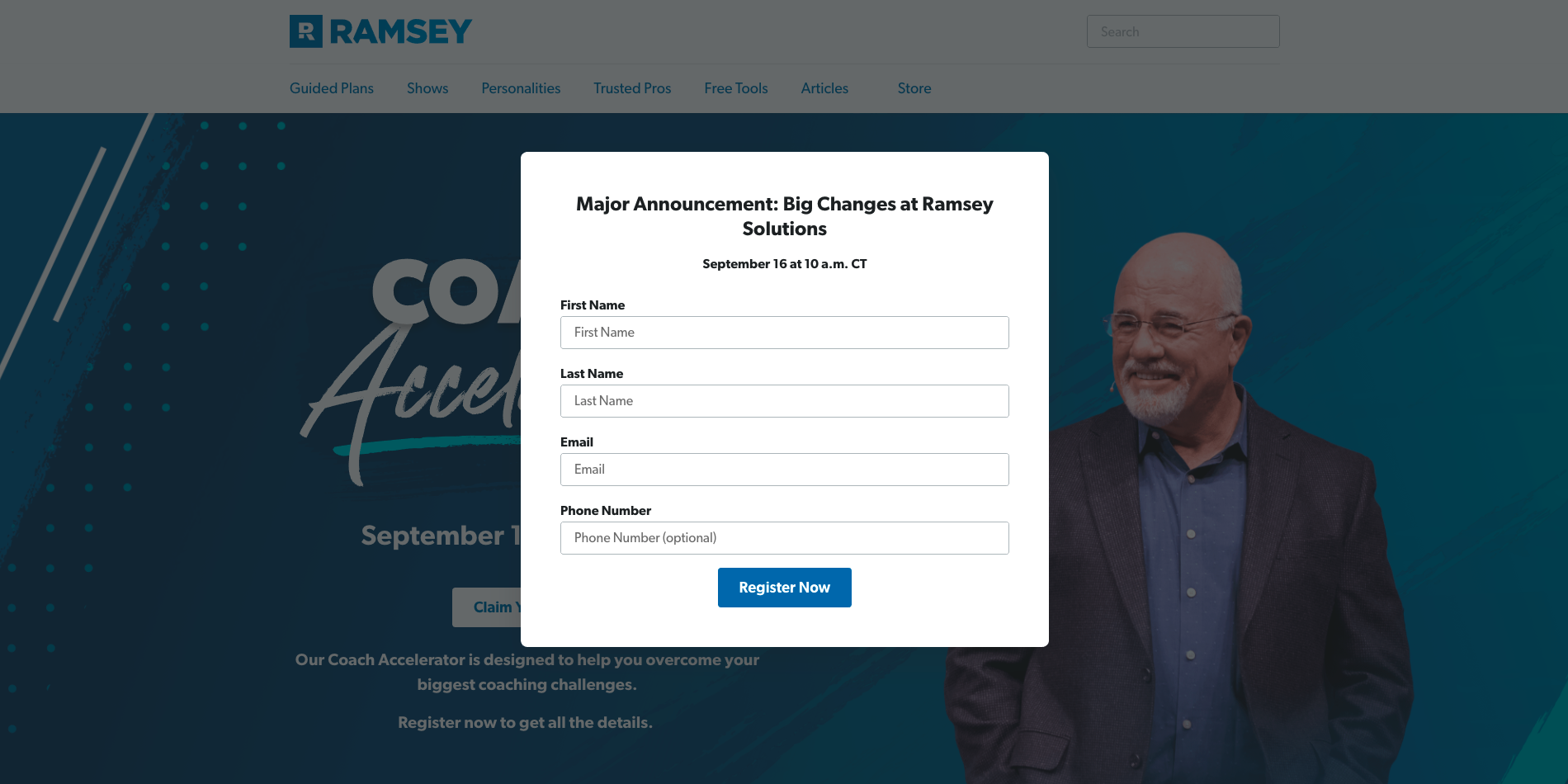
Lead Forms
Whether to create a sales lead or connect someone with a coach, our team needed many different forms across our landing pages. For each form, the payload format needed to be configured, as well as the call out to the endpoint it would pass data to.
To ensure these forms worked properly, particularly for business critical functions, we monitored the status of the forms using Loggly, setting up alerts and dashboards to make sure potential issues weren’t missed.
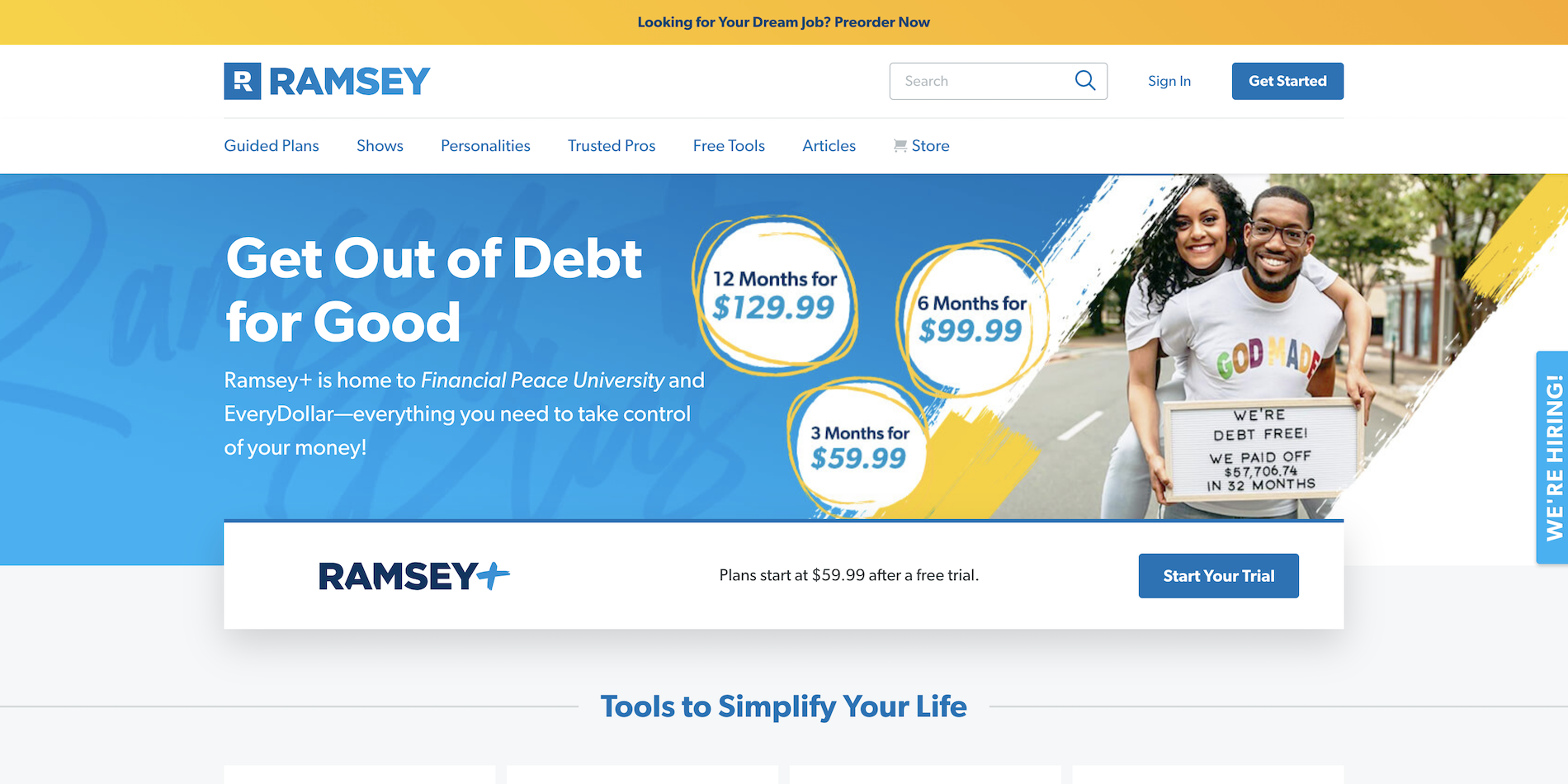
Domain Migration
In order to unify the different brands across the company, there was an organization-wide project to consolidate all of our websites under a single domain. I was the one driving this effort on our team, which involved lots of communication with stakeholders and ensuring our pages were up to the new standards. As a company-wide project, there was a lot of cross-team collaboration involved, and it was up to me to make sure our team was in sync with the others.